✨ Ready to Use · Out of the Box
TeamBot
Team Collaboration AI Assistant
Multi-Agent Architecture · Three-Layer Memory · Multi-Platform Integration
Bringing AI into your team workflow
Team Collaboration AI Assistant
Multi-Agent Architecture · Three-Layer Memory · Multi-Platform Integration
Bringing AI into your team workflow
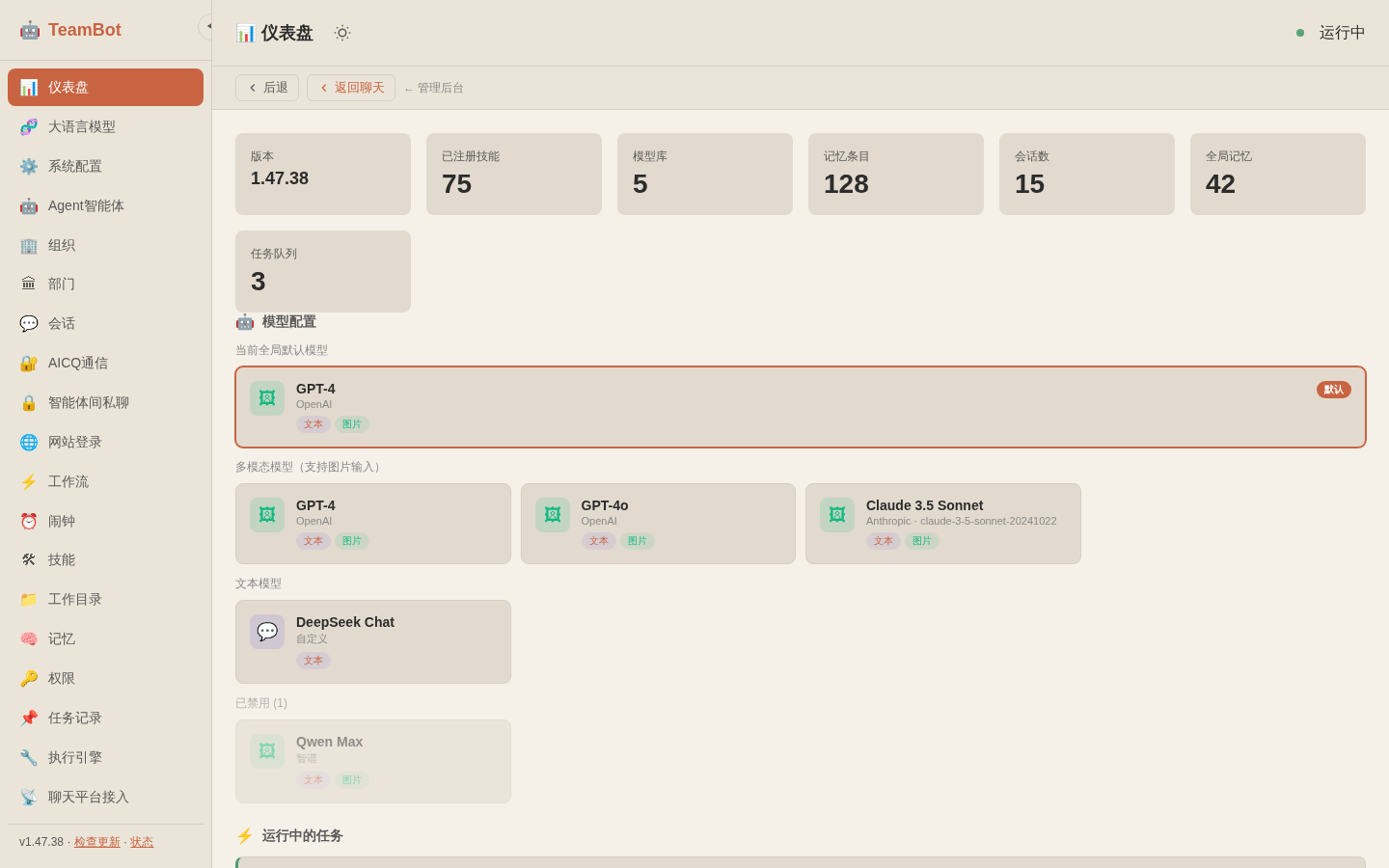
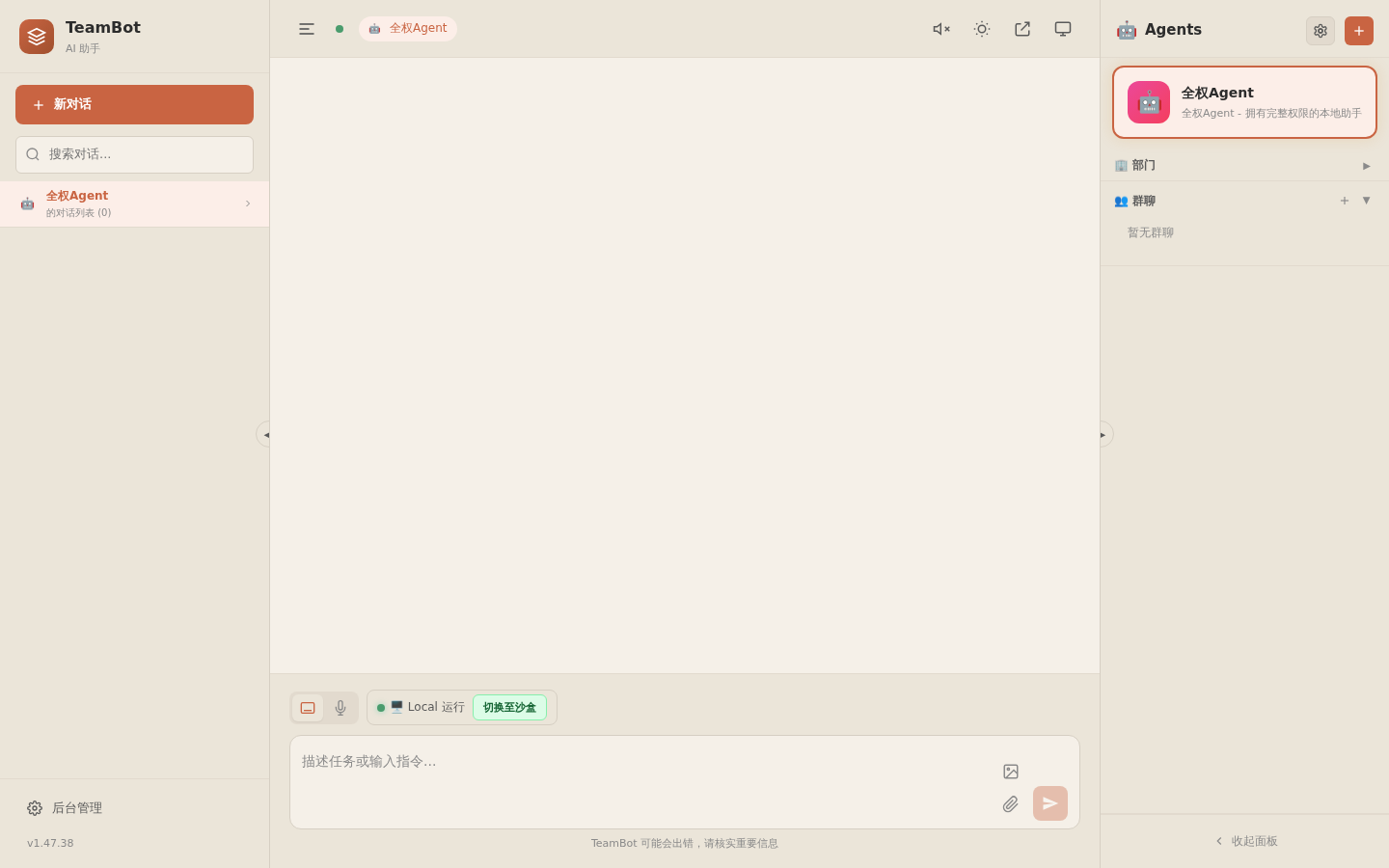
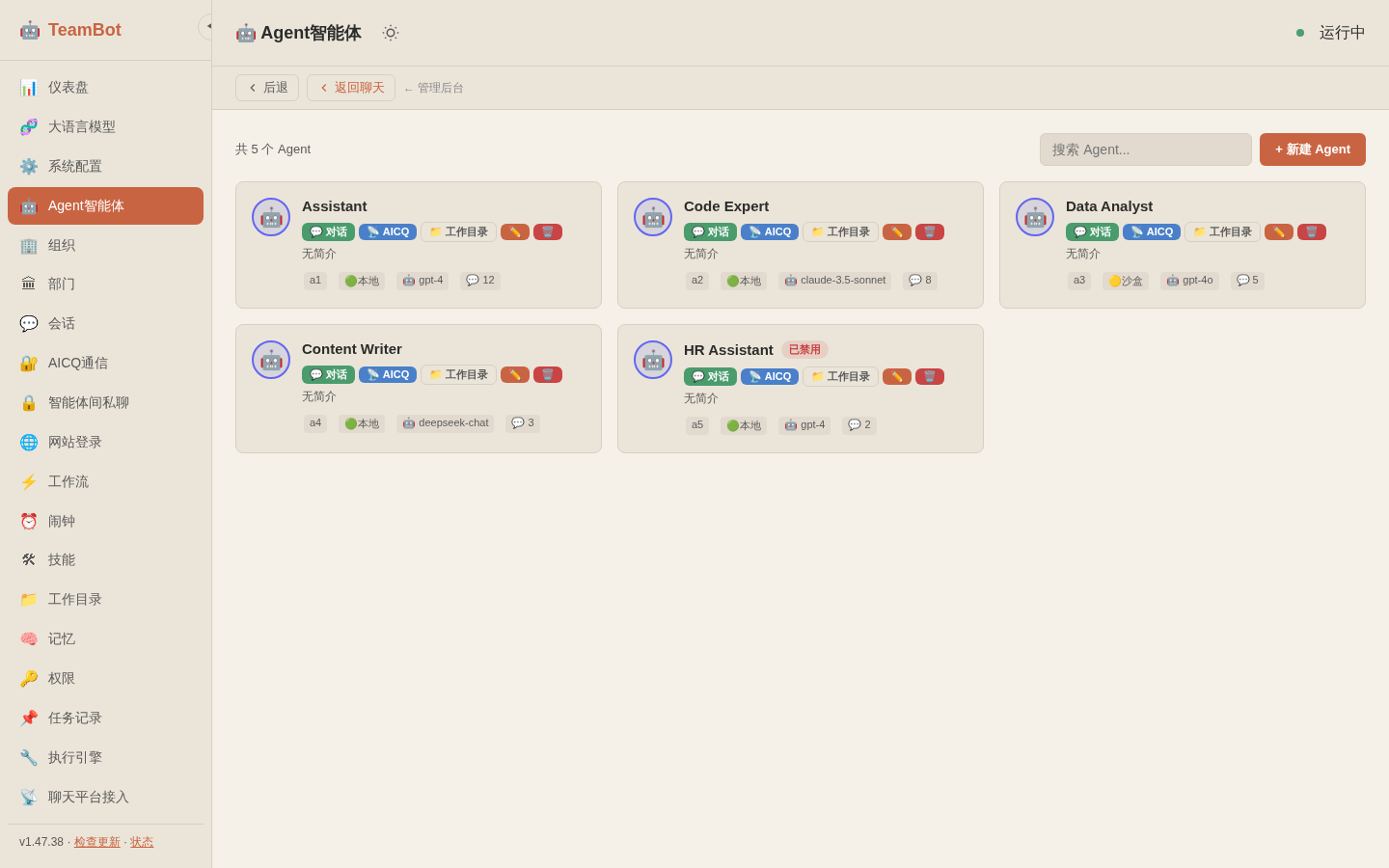
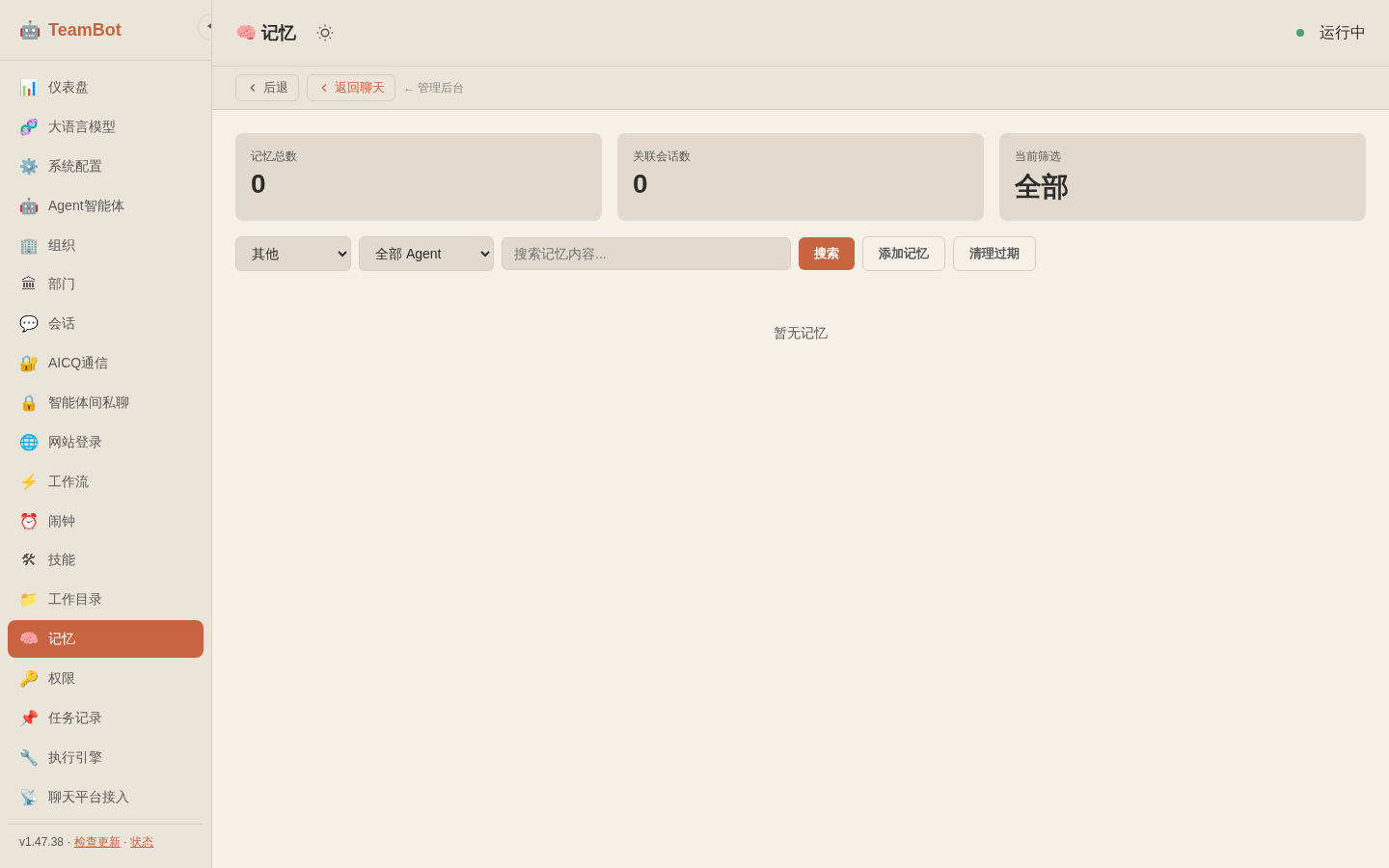
Real interface screenshots — see what TeamBot looks like in action
Overview of your AI infrastructure — version, skills, models, memory stats, and running agents at a glance.
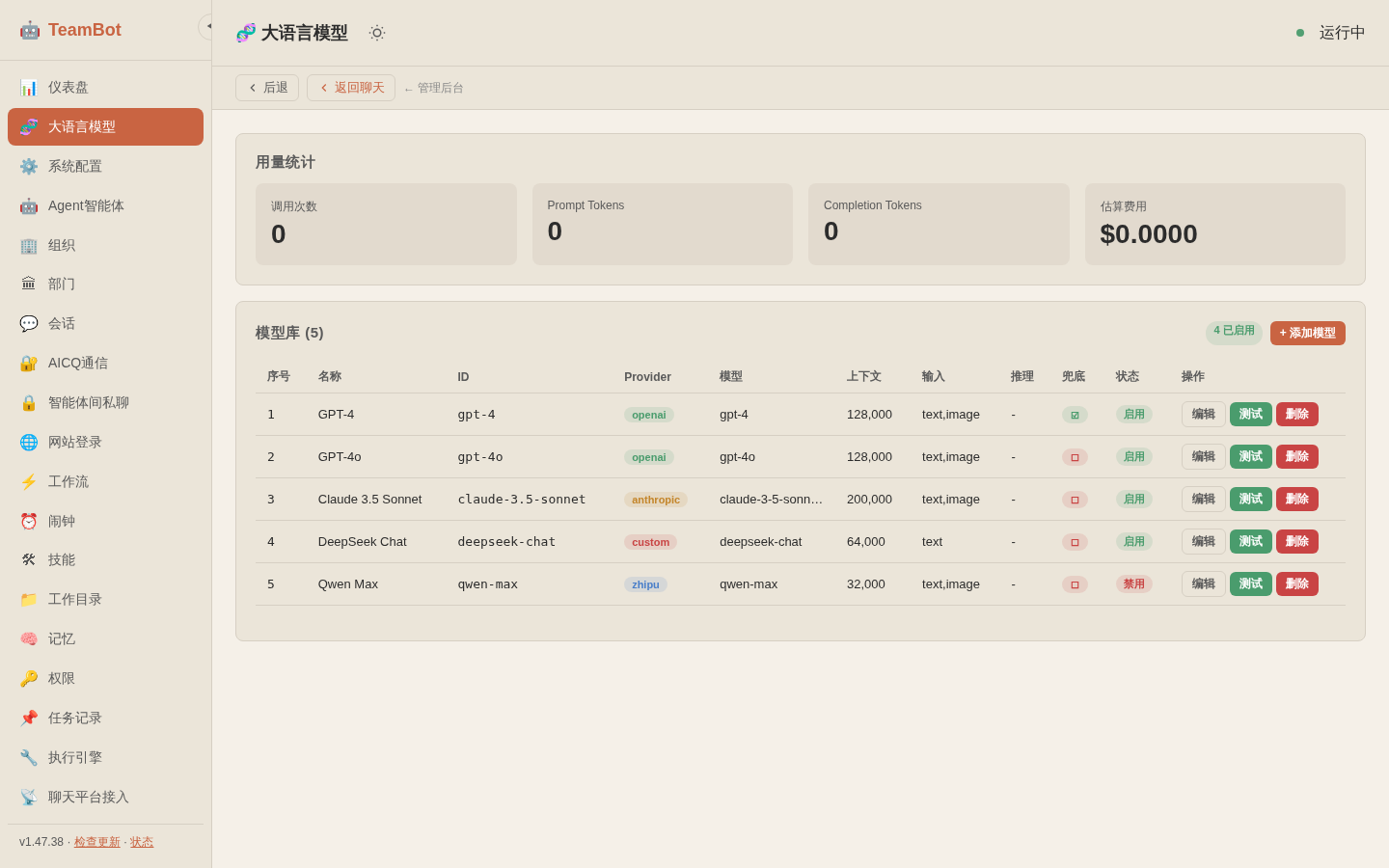
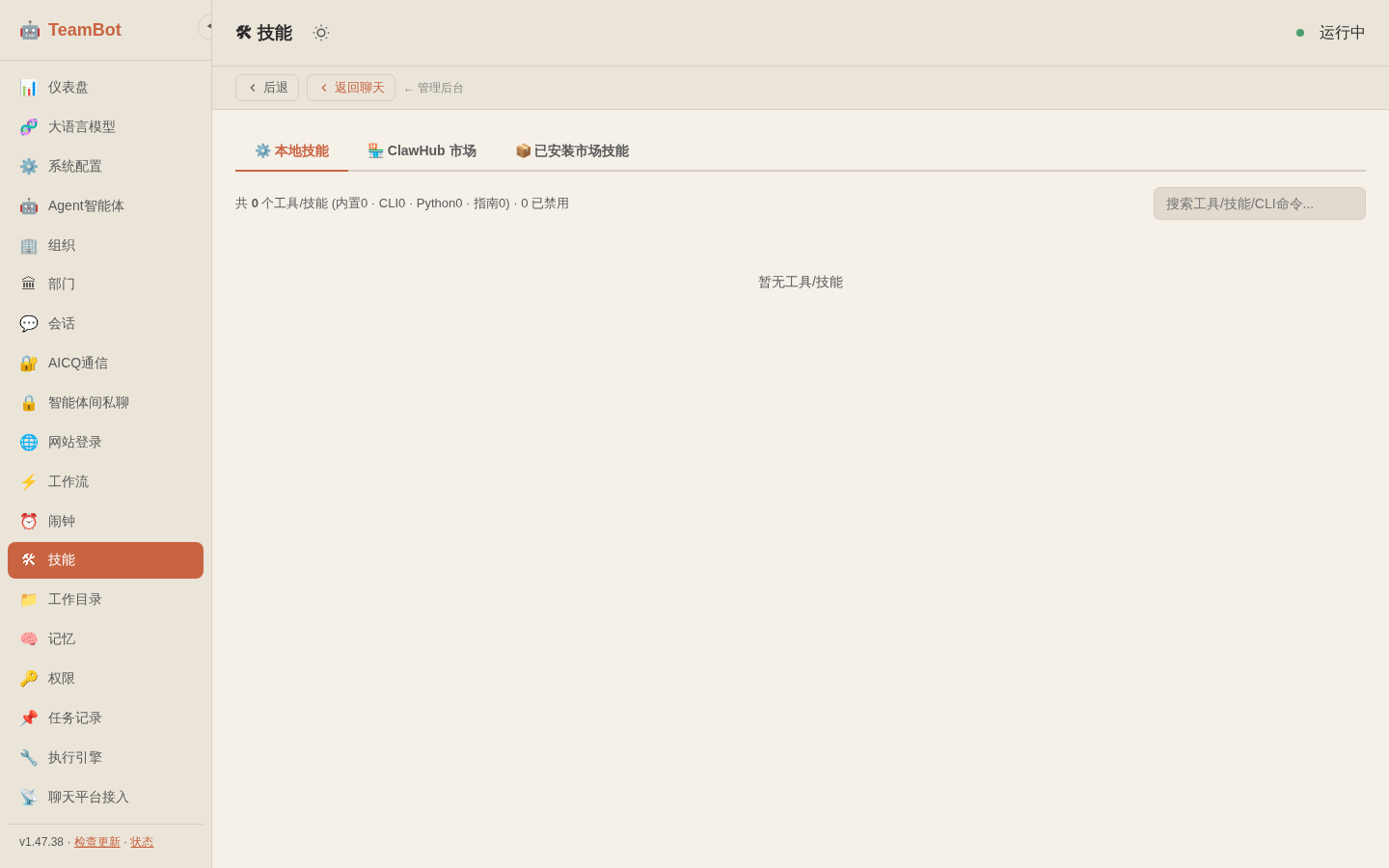
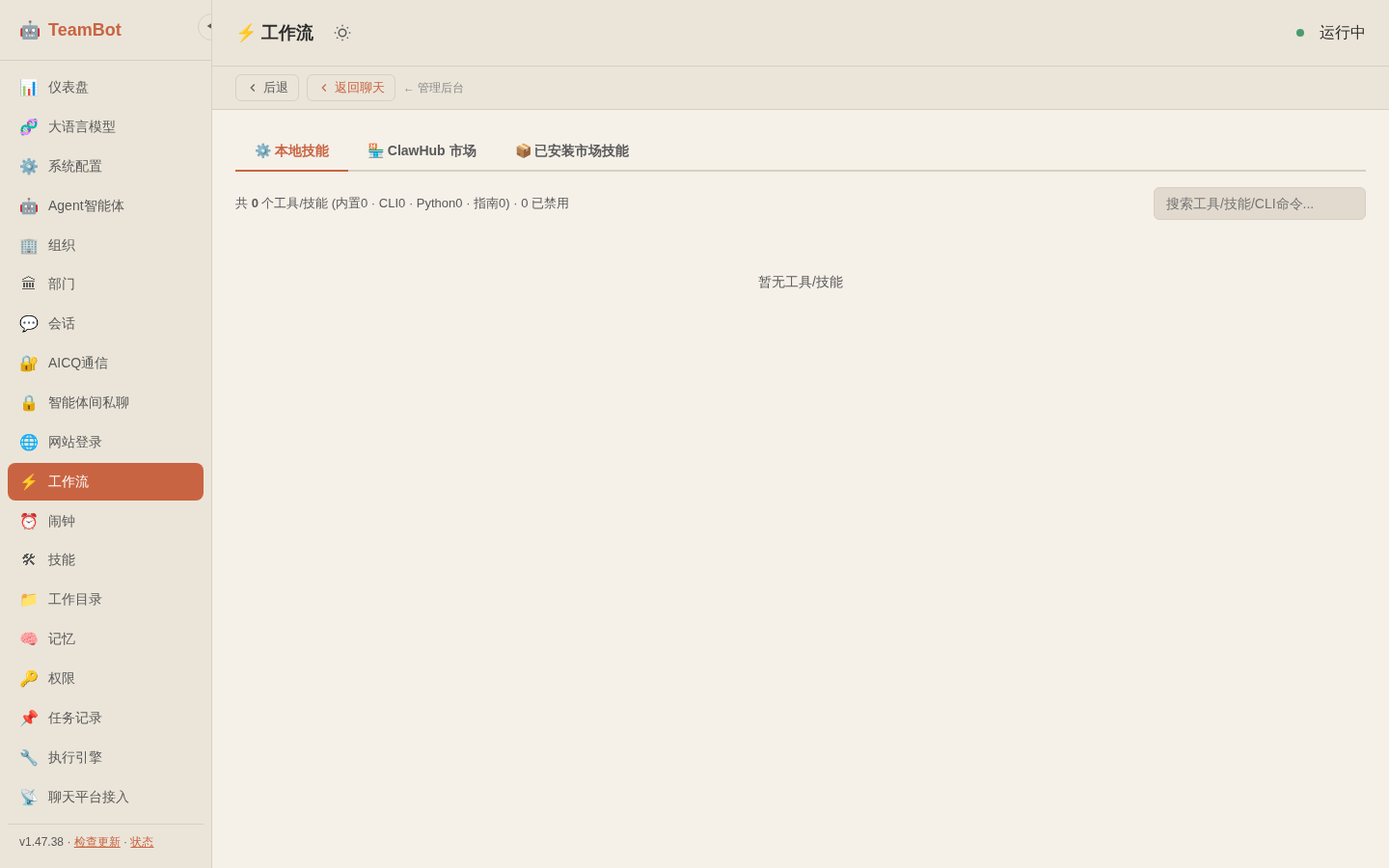
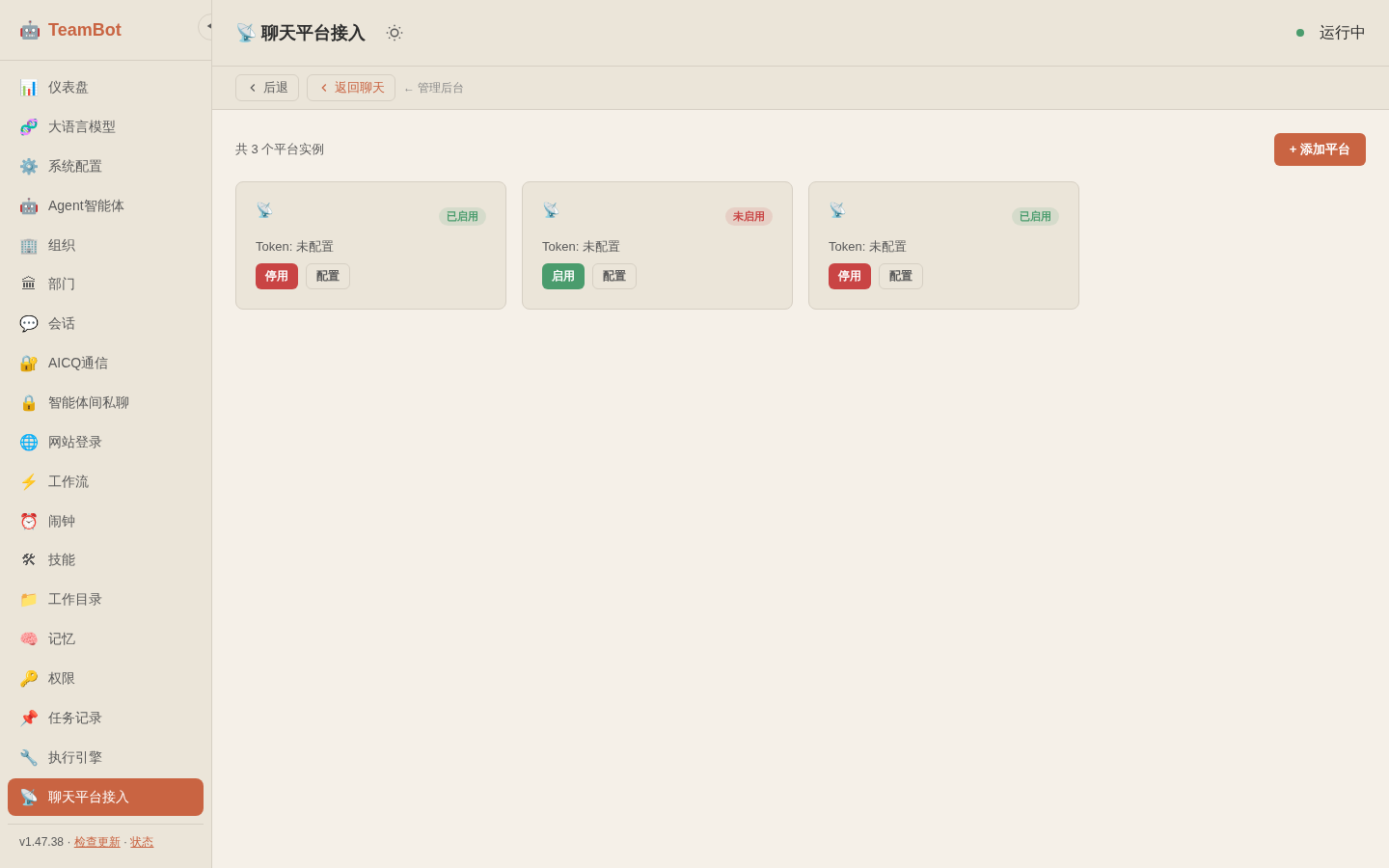
Six core capabilities covering every scenario for team collaboration
Multi-language code execution with built-in safety controls. Let AI directly operate and execute tasks on your behalf.
Innovative three-layer memory architecture. Short-term for quick context, working for task tracking, long-term for persistent knowledge.
Multiple intelligent agents work together. Main agent orchestrates, tool agent executes, memory agent manages knowledge.
Multi-role collaboration with shared knowledge base. AICQ end-to-end encrypted communication ensures team data security.
AICQ protocol provides end-to-end encrypted messaging between agents and team members. Secure private channels ensure your team data stays private.
Build complex automation with a visual workflow editor. Chain LLM calls, browser actions, API requests, timers, and conditional branches into powerful automated pipelines.
Get started with TeamBot in seconds
curl -fsSL https://teambot.samai.cc/install.sh | bash
irm https://teambot.samai.cc/install.ps1 | iex
Pre-built binaries for all platforms — no Python or Node.js required
x86_64 (amd64)
Download .exeOr run in PowerShell:irm https://teambot.samai.cc/install.ps1 | iex
x86_64 (amd64)
Download BinaryOr one-line install:curl -fsSL https://teambot.samai.cc/install.sh | bash
Three steps to get your AI assistant running
curl -fsSL https://teambot.samai.cc/install.sh | bash
# Edit ~/.teambot/config.yaml
llm:
  provider: openai
  api_key: "sk-your-api-key"
  model: "gpt-4"
telegram:
  bot_token: "your-bot-token"
teambot-ai